

Conflict of Interest
Management for Law Firms
Before accepting any new matter, your firm needs to know whether a conflict exists. BizMagnet Conflict of Interest Management runs structured checks against all current and historical client and matter records — so intake decisions are faster, safer, and fully documented.
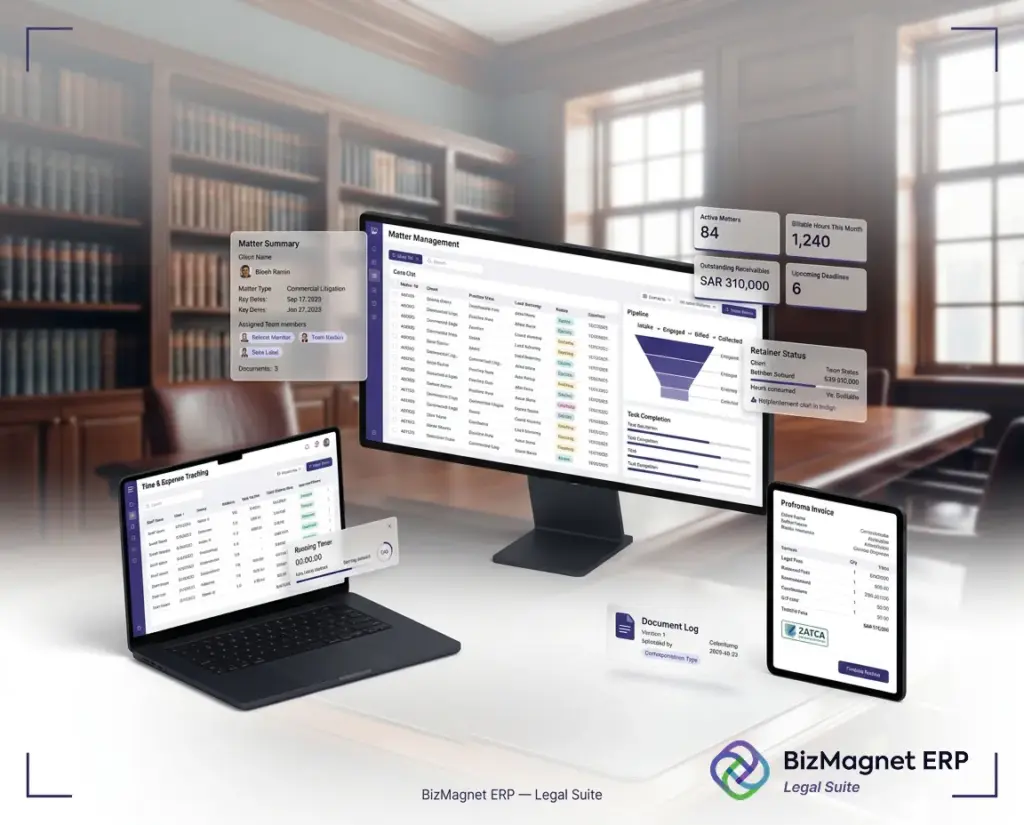
Why conflict checks matter
Every law firm must verify there is no conflict of interest before taking on a new client or matter. This applies to current clients, former clients, opposing parties, and related entities — and the checking process has to be consistent, documented, and fast enough to not slow down intake.
When conflict checks are done manually, the process is only as reliable as the person doing it. Records get missed, search methods differ between staff, and there is no audit trail for decisions made. That creates real professional and reputational risk.
BizMagnet Conflict of Interest Management brings this process inside the ERP. Every check is logged, every search feeds future intelligence, and every decision has a documented basis — so the firm can act quickly and with confidence.

How conflict management works
The conflict check process in BizMagnet is structured, consistent, and connected to the full matter history of the firm.
How to perform Conflict Of Interest management?
Before intake begins, the responsible lawyer or intake team initiates a conflict check from within the BizMagnet platform — no separate tool, no manual spreadsheet lookup.
The system searches all current and historical client and matter records simultaneously. Wildcard search support surfaces related parties, associated entities, and similar matter types that might not be an obvious name match.
BizMagnet shows any overlap between the new prospect and existing or historical clients and matters instantly. The risk team can see exactly where the conflict originates, not just that one exists.
The decision to proceed, decline, or escalate is recorded in the system with the search history, results, and responsible team member. This creates a complete, auditable record for every intake decision.
Every conflict search adds to the system’s cumulative intelligence. Future checks benefit from a richer, more accurate record base — making each search more reliable than the last.
Key features of Conflict of Interest Management Module
BizMagnet Conflict of Interest Management covers every part of the conflict check workflow — from search to decision to documentation.
Manual conflict checks vs BizMagnet COI Checks
The difference between a manual process and a structured system is the difference between guesswork and documented confidence.
| What gets checked | Manual process | BizMagnet Conflict Management |
|---|---|---|
| Search coverage | Depends on individual memory and spreadsheet access | All current and historical records searched automatically |
| Related parties | Often missed unless specifically remembered | Wildcard search surfaces associated entities and parties |
| Search consistency | Varies between staff members and departments | Same structured process every time, regardless of who runs it |
| Audit trail | Rarely documented; difficult to reconstruct | Every search, result, and decision is logged automatically |
| Speed | Slow; delays intake and frustrates clients | Results available instantly; intake decisions made faster |
| Cumulative intelligence | No learning; same gaps repeated over time | Each search builds the database for more accurate future checks |
Risk reduction benefits
A structured conflict check process protects the firm, speeds up intake, and creates a more professional client experience.
A Practical Example Scenario
A corporate law firm in Riyadh onboarding a new commercial client
A new corporate client approached the firm for advice on a commercial dispute. The intake partner needed to confirm no conflict existed with the opposing party, related subsidiaries, or any associated individuals before accepting the engagement.
Using BizMagnet, the intake team ran a conflict search in under two minutes. The system surfaced a historical matter involving a related entity — one that would not have appeared in a simple name search. The partner reviewed the cross-reference, documented the decision to decline, and notified the prospective client the same day.
Without a structured system, the conflict would likely have been missed. With BizMagnet, the firm protected its professional integrity, created a full audit record, and handled the situation before it became a problem.
FAQs on Conflict of Interest
Management
What is conflict of interest management in a law firm?
Conflict of interest management is the process a law firm uses to verify there is no professional conflict before accepting a new client or matter. It involves checking the firm’s existing and historical client records against the new prospective work to identify any overlap or competing interest.
How does BizMagnet run conflict checks?
BizMagnet searches all current and historical client and matter records from within the ERP. It supports wildcard searches, cross-references related parties, logs every search and result, and provides a documented record of every intake decision — all from the same platform used for matter management and billing.
Can the system find conflicts that aren’t obvious name matches?
Yes. Wildcard search support surfaces related parties, associated entities, and similar matter types that might not appear in a direct name search. This reduces the risk of missing a non-obvious or indirect conflict.
Is the conflict check process documented for audit purposes?
Yes. Every search, result, reviewer, and decision is logged automatically in BizMagnet. This creates a complete, auditable record that protects the firm in the event of a dispute, regulatory review, or professional conduct inquiry.
Is this module suitable for law firms in Saudi Arabia?
Yes. BizMagnet ERP Legal Suite is developed by AIN Technologies, a ZATCA-certified ERP provider in Saudi Arabia since 2000. The conflict management module is designed to support a professional, compliance-aware legal environment aligned with Saudi business expectations.
Does the conflict module connect to Matter Management?
Yes. All matter activity is tracked within BizMagnet and feeds the conflict search database automatically. When a new matter is being considered, the system draws on the full history of all matters — current and historical — for a more accurate and complete search.
Protect your firm before every new matter
Request a demo and see how BizMagnet helps your team run faster, more reliable conflict checks — with a full audit trail and zero extra tools.
 English